




The Background Removal Tool You Forgot About Is Losing Ground
Unscreen built a loyal following by doing one thing well: removing video backgrounds automatically, without green screens, without complex software, without a learning curve. For a certain type of marketer, that was enough. You uploaded a clip, you got a clean cutout, you moved on. But the workflow was always isolated. Unscreen sat outside the editing process, which meant extra steps, file exports, and a separate subscription to manage.
Descript has been quietly absorbing that use case. Its green screen feature, which uses AI-assisted background removal and compositing directly inside the editing timeline, is turning what used to be a multi-tool process into a single-session workflow. Marketers who discovered it often describe the same reaction: they stopped going back to Unscreen not because it failed them, but because Descript made the detour unnecessary.

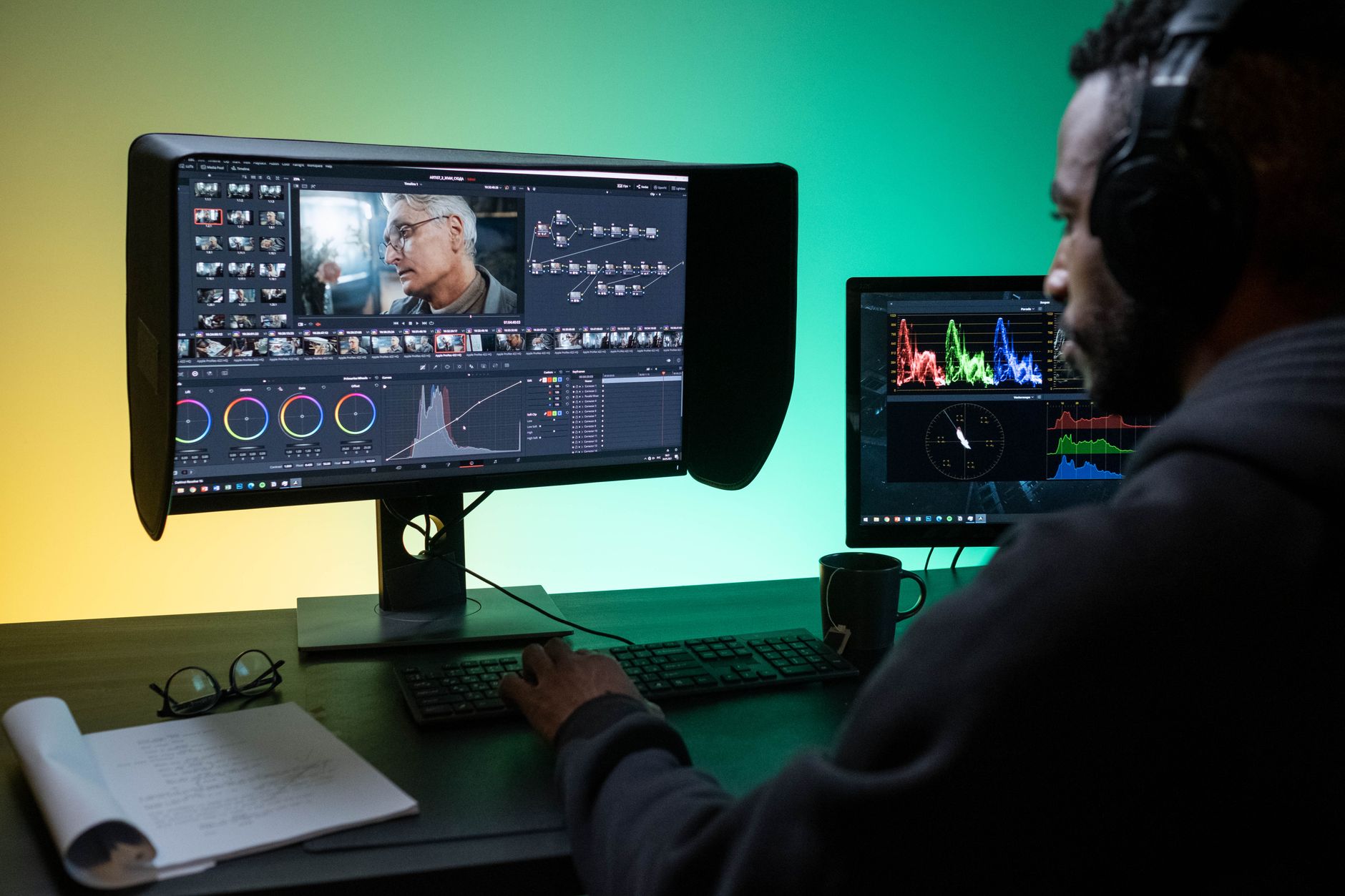
What Descript’s Green Screen Actually Does
Descript’s approach combines two things that previously required separate tools. First, it offers traditional green screen compositing – replace a physical green background with any image or video. Second, and more practically useful for most content creators, it includes an AI background removal mode that works on regular footage, no physical green screen required. The two methods live in the same panel, inside the same editor where you’re already trimming clips, correcting audio, and generating captions.
The integration matters more than it sounds. When background removal is a tab inside your editing session rather than a separate website, the pace of content production changes. A marketing team cutting a talking-head video can strip the background, drop in a branded template, add captions, and export – all without leaving Descript. That is not a minor convenience upgrade. It is a structural change in how the editing session flows, and it directly reduces the number of tools a small team needs to maintain.

Why Marketers Are Making the Switch
The clearest reason is consolidation. Subscription fatigue is real among content teams. A brand running active social channels across multiple platforms is often paying for a video editor, a transcription tool, a repurposing platform, and a background removal tool as separate line items. Descript has been chipping away at that stack for a while now – adding screen recording, AI voice, captions, and clip creation – and the green screen feature is another piece of that consolidation strategy.
Unscreen’s pricing structure also creates friction at scale. The free tier limits video length and resolution, and paid plans are priced per minute of processed video. For teams producing high volumes of short-form content, those costs accumulate fast. Descript’s background removal is included inside its subscription tiers, which makes the per-video math much friendlier for teams doing high-frequency publishing.
There is also a quality-of-life difference in how errors get handled. When Unscreen produces a rough cutout around hair or a complex background, fixing it means downloading the result, importing it into a separate editor, and masking manually. In Descript, if the AI misses something around the edges, the correction happens in the same window, in the same session. No re-export loop, no file management between apps.
Short-form video has made background control a standard production expectation rather than a premium effect. Audiences now associate clean, background-replaced video with professionalism, and social platforms reward the format’s visual clarity with stronger algorithmic performance. Marketers who once considered background removal a nice-to-have now treat it as a baseline requirement, which raises the stakes for any tool that handles it awkwardly.
Where Unscreen Still Holds Its Ground
Unscreen is not a dead product. It still serves a specific kind of user who does not need or want a full editing suite: freelancers who deliver raw assets to clients, developers who use Unscreen’s API to automate background removal at scale, and teams that already have a preferred video editor and want background removal as a modular utility. The API access in particular is something Descript does not currently replicate in a comparable way, which keeps Unscreen viable for technical workflows.
Descript’s AI background removal also struggles more than Unscreen on certain types of footage – busy backgrounds, subjects with flyaway hair, low-contrast clothing against similar-colored walls. Unscreen has had longer to train its model on edge cases, and on difficult source material the quality difference is still noticeable. For marketers who shoot in imperfect conditions without access to a physical green screen, that gap matters.

The Larger Pattern in the Tool Stack
What is happening to Unscreen is the same thing happening to a growing number of single-purpose tools. As editing and content platforms become more capable, they are absorbing adjacent features that used to justify standalone subscriptions. This is not unique to video – content teams are watching similar consolidation play out in writing and ideation tools as all-in-one platforms expand their feature sets to reduce workflow fragmentation.
For Descript, the green screen feature is less about competing directly with Unscreen and more about making the case that leaving Descript mid-session is never necessary. Every feature it adds to the core editor is an argument against maintaining a parallel tool stack. The background removal capability did not require Descript to build a better version of Unscreen. It just needed to build a good-enough version in the right place, at the right moment in the workflow.
The harder question for Unscreen – and for any single-feature tool in a maturing software category – is what happens when good-enough-and-integrated consistently beats excellent-but-isolated. So far, the market has been answering that question in ways that favor platforms over specialists. Whether Unscreen finds a way to reposition around its API strengths and technical user base, or whether it continues to lose casual users to Descript’s growing suite, will depend on whether it can give those users a reason to leave the editing session again.